
FOR PARAMOTOR AND PARAGLIDING PILOTS
Get more from Gaggle.
On every flight.
Plan a route, set up your flight instruments, and replay your track after landing. Learn how to use Gaggle before your next flight.
Learn at your own pace, or present the guide to your club.
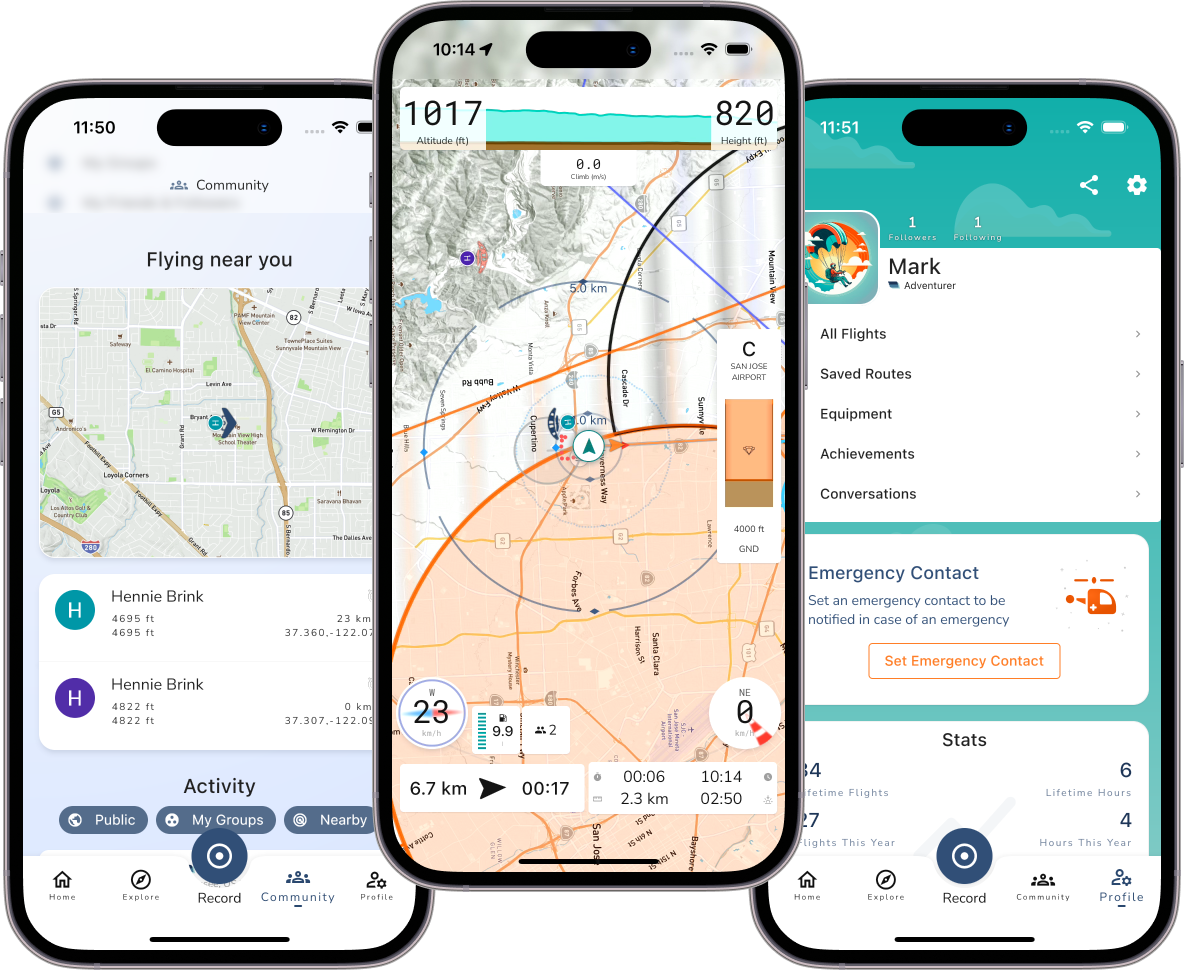
Review your flight.
USING GAGGLE ON A FLIGHT
Before. During. After.
Follow a flight from setup to replay.
Or jump straight to the tool you want to try.
Set up for your flight.
Add your wing and motor, check location access, and choose who can see your flight.
Get set up →02 ↗Prepare your route and instruments.
Explore a site, check your route, and try the instruments and audio you will use.
Prepare for flight →03 ↗Replay it after landing.
Find your track, look back at a climb or route choice, and share the flight with friends.
After landing →THE FIELD GUIDE
Find a tool. Try it on your phone.
LEARN WITH YOUR CLUB
Show your club how Gaggle works.
Try it together.
Show your club how to prepare, record and review a flight. Choose a short introduction or leave time for everyone to practise on their own phone.
← → to navigate · F for fullscreenCHECKLIST AND SESSION NOTES
Ready for your next flight.
Gaggle setup checklist
Check the app before takeoff and after landing, alongside your usual flight preparation.
Prepare your club session
Download the lesson notes and practice questions to help you lead a session.
Common questions
TRY IT BEFORE YOUR NEXT FLIGHT